
How VAF works in a medical practice
VAF drafts replies to patient emails, outlines of doctor's letters and results lists, staff check each draft, and diagnosis stays with doctors.
This example shows how a medical practice in Germany could use VAF in its administration. It describes routines common in German practices, not any particular one. VAF takes on the writing around the inbox, doctor's letters, incoming results and billing. A person checks every draft before it moves on, and diagnosis and treatment stay with the doctors.
Where things stand
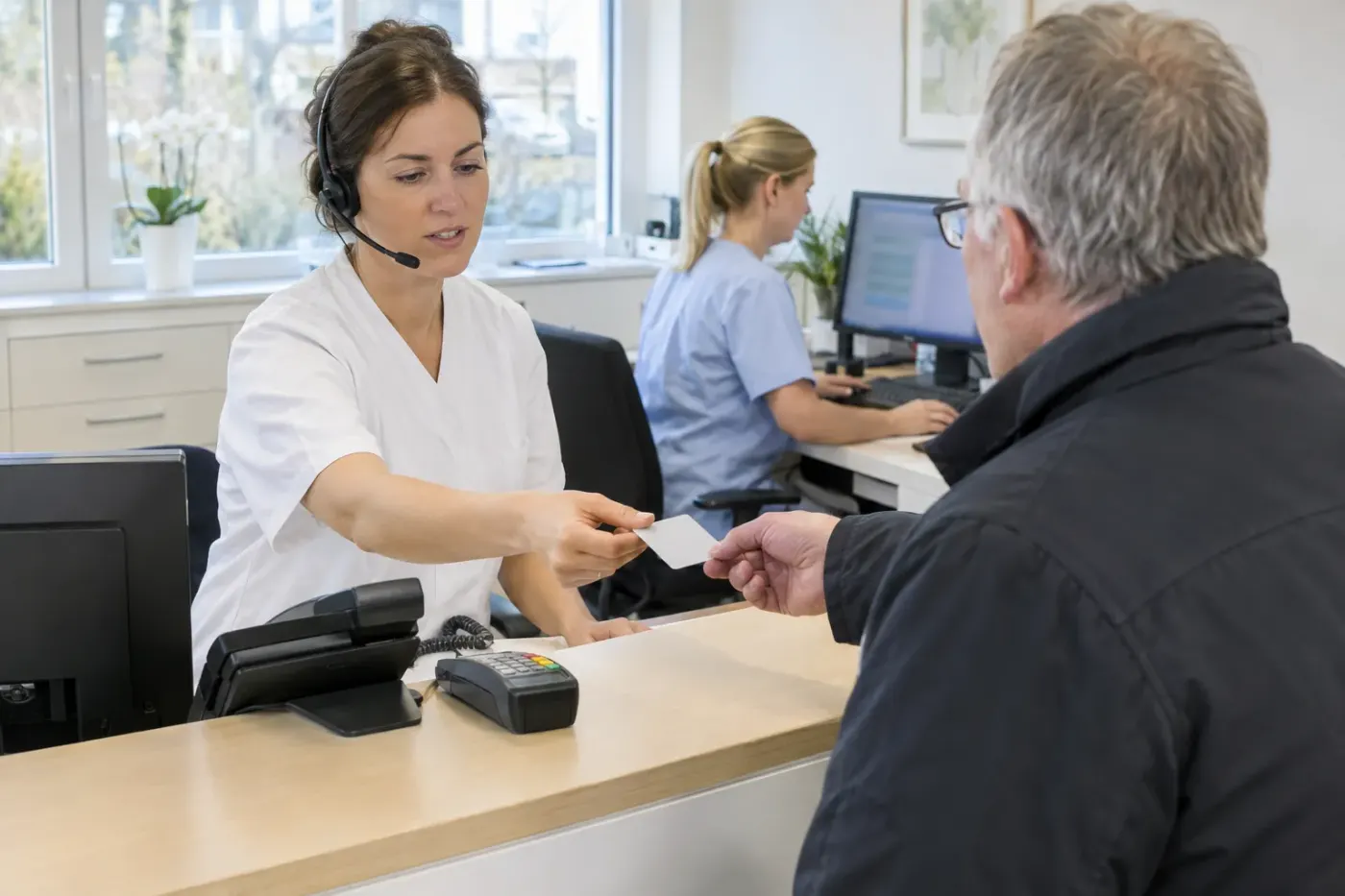
A practice's front desk handles a lot at once. Medical assistants, known in Germany as MFAs, answer the phone, book appointments, read in insurance cards and answer emails. In between they assist with things like blood draws and prepare prescriptions and referrals for the doctor to check and sign. When the line is busy, some practices point patients to email instead, so more requests end up in the inbox.
The quarter sets its own pace. When a quarter ends, a practice has about ten days to submit its billing, depending on its regional physicians' association (KV). Meanwhile the front desk reads in insurance cards for the new quarter. According to the KBV, the national physicians' association, paperwork costs a practice around 61 days a year. Staff are scarce, too. In a 2023 survey by the KV Berlin, 87 percent of the practices asked said finding medical assistants had become harder.
What VAF prepares
In this example, VAF handles work whose output someone checks afterwards. Every task ends in a draft or a list.
- VAF sorts incoming email by request, such as appointments, prescriptions, questions about results or admin. Replies are drafted only for non-medical matters like opening hours or missing paperwork. An email describing symptoms goes to the team unassessed.
- For appointment requests, the reply draft suggests free slots for the type of appointment, if the practice keeps its calendar in Google or Microsoft. The practice decides how urgent an appointment is.
- For a doctor's letter, VAF sets up an outline. Patient details, the reason for the visit and existing results are copied word for word, and assessment and next steps stay blank. It is a new Word file built on the structure of the practice's template, and the team adds letterhead and layout.
- Scanned results from post or fax are listed in the order they arrived, with sender, date, patient name, document type and where the original is stored.
- Before quarterly billing, VAF checks documentation against billing codes using a checklist from the practice. Gaps are reported before the check module in the practice management system runs.
- For quality management, VAF drafts work instructions and training material, for example on IT security.
VAF has no direct connection to the practice management system. Its data arrives as an export in a folder on the machine VAF runs on, if the system offers such an export. VAF reads a CSV file there in full, but an Excel sheet only up to row 50. Email attachments are not read, so a result that comes in by email is saved to the folder first.
How the team signs off
By default, VAF keeps email replies as drafts until a person approves them, and this example leaves it that way. A medical assistant reads the draft, edits it if needed and approves it. Only then does the email go out.

The practice decides who approves what. A medical assistant signs off replies about appointments and paperwork. Letter outlines go to the doctor, and the list of results goes to the team that works through it. The billing notes go to the practice manager, and the doctor decides on the codes.
Checks are made against the original. The outline quotes results word for word, and the list shows where each document is stored.
What stays with people
In the KBV's view, AI makes no decisions and responsibility stays with the doctor. Patients should be told when it is used. The example follows that line and keeps some tasks away from VAF on purpose.
- Diagnosis, treatment and information about medication remain the doctor's job.
- The team decides how urgent a request is. VAF does not rank requests by symptoms or flag results as abnormal.
- Doctors sign e-prescriptions, electronic sick notes and electronic doctor's letters as before, with their electronic health professional card. VAF signs nothing.

Why run it locally
In this example, VAF and its language model both run on a computer in the practice. What VAF passes to the model for a task does not go to a model provider on the internet. With patient data, that counts in favour of running locally, because fewer parties get to see the data.
It is not a guarantee, and the practice's obligations stay the same. Medical confidentiality, data protection and the IT security guideline for practices still apply. Emails still sit on whatever mail server the practice uses, and anyone maintaining the computer remotely may get access to data. The practice settles the precautions it needs with whoever handles its data protection.
Which tasks fit depends on how each practice works. In the Blueprint you plan, without obligation, which tasks VAF takes on in your practice, where the data comes from and what your team approves.