
How VAF works in a law firm
VAF drafts deadline proposals, case summaries and routine letters for a firm's matters, and every draft waits for a person to review it.
This example shows how a small law firm could work with VAF. VAF and its language model run on a computer in the firm, read the documents the team sets out and prepare drafts. Reviewing, approving, signing and sending stay with the people who answer for them.
The starting point
In a small firm, a few people share a lot of work. Lawyers run the matters and are personally responsible for pleadings and deadlines. Legal assistants, a trained profession in Germany, take in the post, open files, record deadlines and prepare fee notes. Mail comes by letter, by email or through beA, the electronic mailbox German lawyers use for court traffic. Each item has to be matched to a file and checked for deadlines.

Many firms keep files, the deadline diary, conflict checks and billing in practice management software. In a 2024 survey by the Bavarian lawyers' association, whose 558 respondents came mostly from firms of up to ten staff, 78 percent used such software. Of the 349 who answered on AI goals and obstacles, 96 percent named saving time as a goal and 34 percent easing the shortage of skilled staff. Legal uncertainty was a challenge for 73 percent, data protection for 69 percent.
VAF replaces neither that software nor any person. It does the groundwork before the review.
What VAF prepares
VAF reads Word documents and PDFs, scanned ones too, from folders the team chooses. It is not connected to beA or the practice software and does not read email attachments. A beA message, a scanned letter or an attachment is therefore saved to a folder first. To match items to files, the team exports a list of matters as a CSV file to the same computer. VAF reads a CSV file in full, an Excel sheet only up to row 50.
From these documents, VAF prepares drafts like these.
- For each incoming item, VAF suggests the matching file, sums up the letter briefly and flags passages that may trigger a deadline.
- For such a letter, VAF drafts a deadline proposal with the date of service, the deadline and the advance reminder, citing the passage it rests on.
- From the documents in a file, VAF writes a summary with a chronology, parties and open points.
- VAF gives a contract a first review against the firm's checklist and lists deviations with their location and any missing clauses.
- VAF drafts replies to client emails, such as a short status update, and writes acknowledgements, demand letters or applications to extend a deadline as Word drafts in the structure of the firm's template.
VAF always creates that Word file from scratch and does not fill in the template itself, so the team adds the letterhead and layout.
How the team approves drafts
Summaries and proposals appear in VAF's web interface in the browser. Email replies stay drafts until a person approves them.
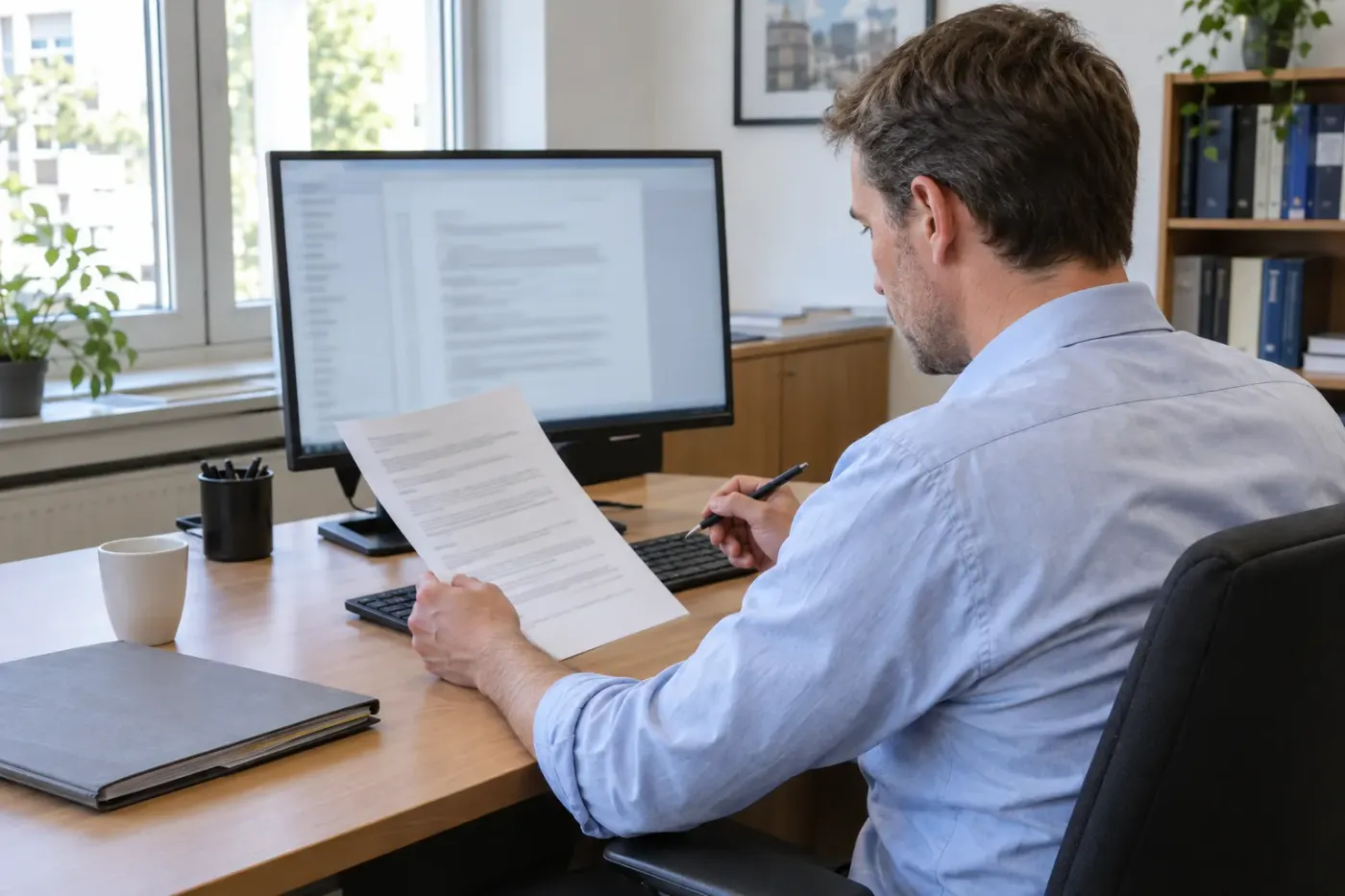
The legal assistant checks a deadline proposal against the original and enters the deadline and advance reminder in the practice software. VAF has no connection to that diary, so in this example only a person enters, deletes or closes a deadline.
Word drafts are revised like any other document before going onto the letterhead. Signing, sending through beA and returning electronic acknowledgements of service stay with the lawyer.
What stays with people
In its December 2024 guidance on AI, the German Federal Bar (BRAK) writes that AI should support a lawyer's work, not replace it, and that the lawyer reviews the results personally. These tasks therefore stay with the team.
- A person decides whether an item triggers a deadline, even when VAF has flagged nothing.
- A person enters and monitors every deadline. According to a ruling by the Federal Court of Justice, even an electronic deadline diary needs a check that proven software does not replace.
- Every citation in a draft is checked against the source. The local court in Cologne and Berlin's Kammergericht have already criticized unchecked AI citations.
- Legal advice comes from lawyers, not from VAF, and no letter leaves the firm without approval.
Why the model runs locally
According to the BRAK guidance, confidentiality covers everything from a matter, including the client's name. For language models, the guidance advises anonymizing documents before uploading them where possible, and removing names and addresses is usually not enough if the context reveals the matter.
So in this example the language model runs locally on the firm's computer. Work on the files involves no outside AI provider, so fewer people get to see client information. VAF's web searches still go out to the internet, and a provider who maintains the computer remotely has access again. In the survey, 55 percent of respondents used no cloud software anyway.
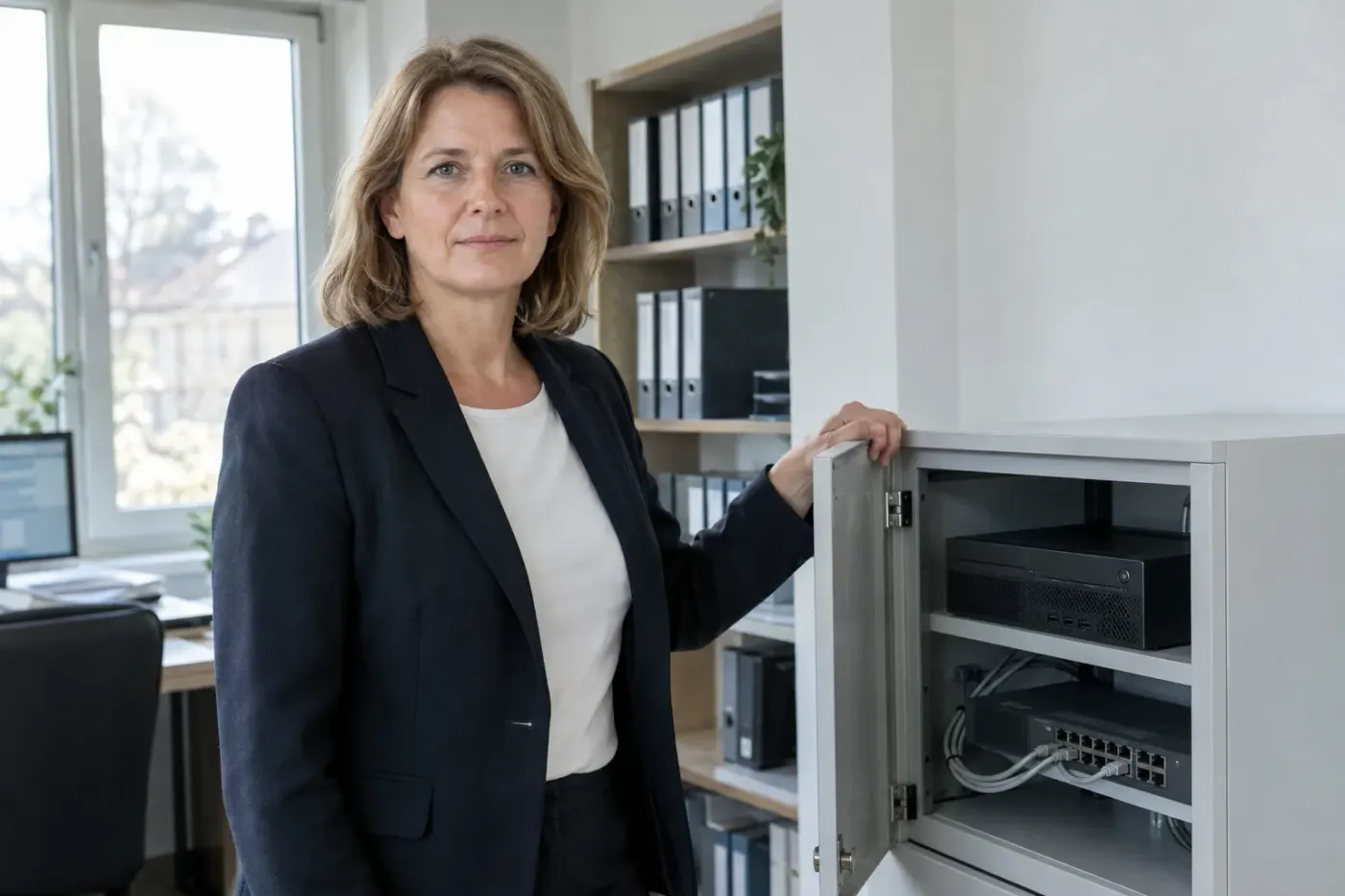
Running locally is an advantage, not a guarantee. The firm still checks whether the setup fits professional and data protection rules, and the final review stays with the lawyer.
The Blueprint lets you plan this for your own firm, without obligation. It shows which tasks VAF could take on, where the documents come from and what your team approves.